For the sender
Edit QR
Scan the Edit QR (and enter the Edit PIN when prompted) to personalise the eCard — message, photo, theme, links, and optional Viewing PIN.
- Opens the private editor
- Protected by your Edit PIN
- Manages every eCard in your order
Hommly
Digital eCard
A personalised digital message attached to a physical Hommly gift — warm, simple, and memorable.
What it is
Hommly eCard is not a stored-value gift card. It is a digital surprise that travels with a physical Hommly gift — your words, photo, and finishing touches, opened instantly when the recipient scans.
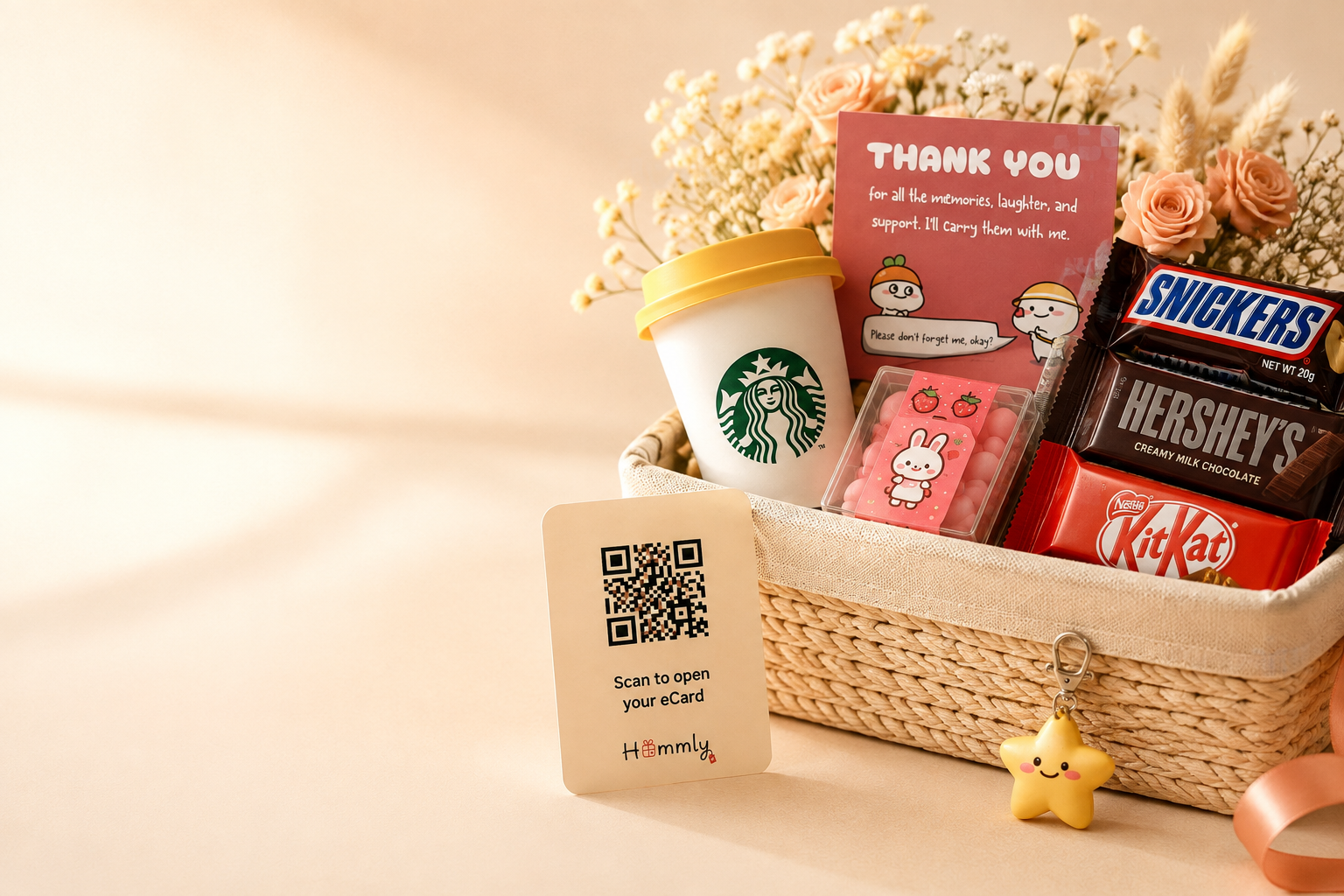
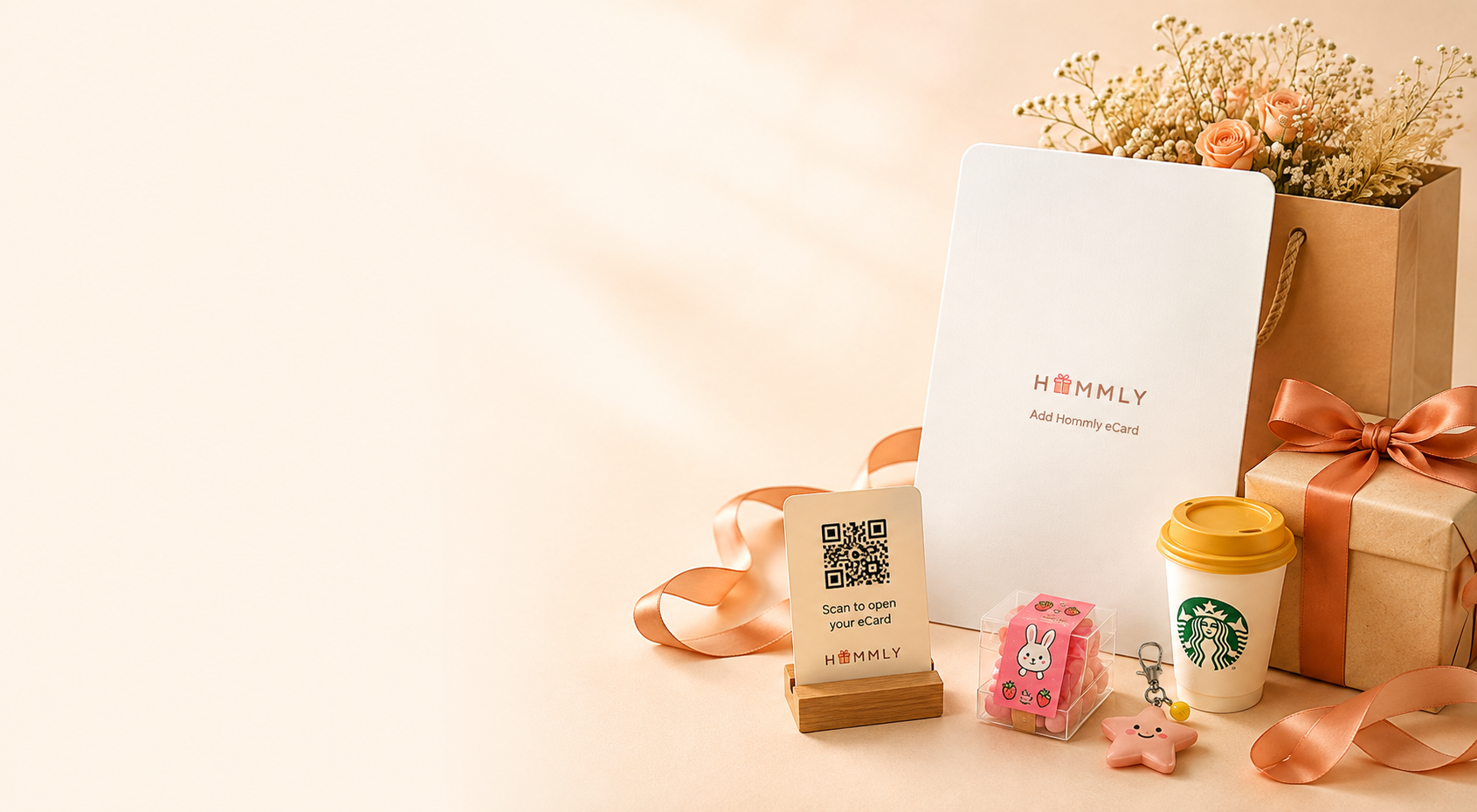
Included with selected Hommly gifts as a printed QR card in the parcel.
Made for farewells, thank-yous, celebrations, and thoughtful everyday moments.
Create and view in the browser. Recipients simply scan with their phone camera.
Two QR codes
Keep them separate. One is for creating. One is for the recipient.
For the sender
Scan the Edit QR (and enter the Edit PIN when prompted) to personalise the eCard — message, photo, theme, links, and optional Viewing PIN.
For the recipient
The recipient scans the View QR to open your finished eCard in their browser — no app install, no account.
For senders
Creation happens after the gift is ready — you scan to create, then they scan to view.
01
Selected gifts include a printed QR card with Edit and View access.
02
Scan the Edit QR and enter your 6-digit Edit PIN to access the editor.
03
Add your message, photo, links, eCard style and optional Viewing PIN, then save when you are ready.
For recipients
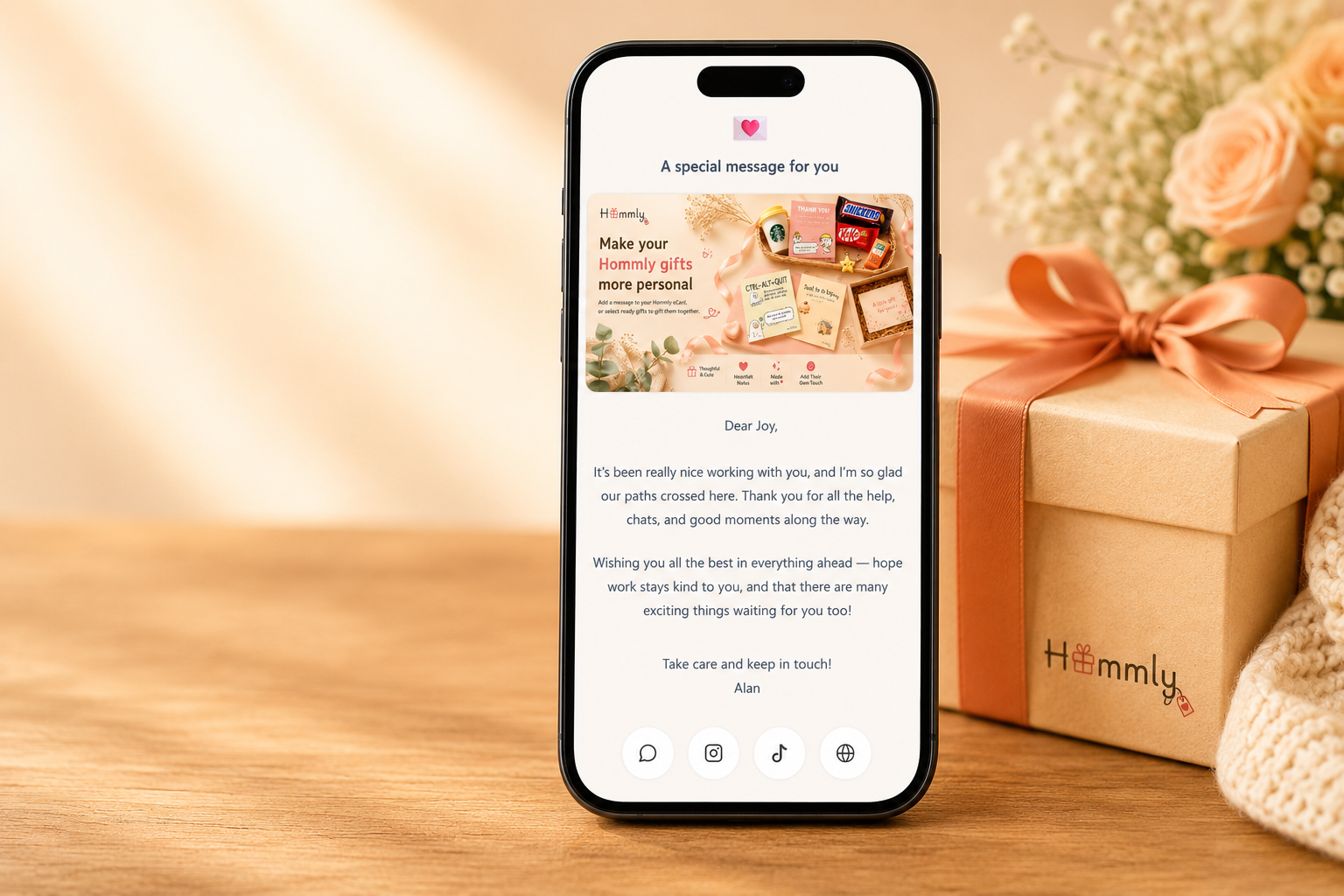
The View QR opens a polished digital card in the browser — your message, photo, and theme, with any links you chose to share.
Hommly eCard
Thank you for everything.
Wishing you the warmest next chapter…
Personalisation
Write words that feel like you.
Add a favourite moment or memory.
Choose a look that matches the occasion.
WhatsApp, Instagram, website, and more.
Protect the reveal with a 4–6 digit PIN.
New touches are on the way — stay tuned.
One Edit QR, flexible personalisation
One Edit QR gives you access to every eCard in the order. Personalise each one individually, select a few to update together, or apply the same content to everyone.
One Edit QR
One Edit QR gives you access to every eCard in the order.
Choose who to personalise
and the rest of the order
Each gift still has its own unique View QR, so every recipient opens only their own eCard.
Ways to personalise
Use the same Edit QR to personalise one, several, or all gifts.
One gift
Choose one eCard and personalise it just for that recipient.
Great for
Give one recipient their own message, photo and personal details.
One recipient updated
Several gifts
Choose multiple eCards and apply the same content to them together.
Great for
Share the same message or details with selected recipients while keeping the rest personalised.
Selected recipients share the same content
All gifts
Select all eCards when every recipient should receive the same content.
Great for
A smart choice for bulk gifting.
Add your company message, website and social links once, then apply them to every eCard in the order.
Everyone in the order updated at once
Mix and match anytime — some eCards can share the same content while others stay completely personal.
Good to know
Occasions
Leave a lasting note when words at the door aren’t enough.
Class gifts with a personal message each student will remember.
Warm, on-brand appreciation that feels human — not templated.
Weddings, birthdays, baby showers — a digital keepsake with the parcel.
Shop selected Hommly gifts, then scan to create — they scan to view.